Housecall Pro integration
Your agent books jobs in Housecall Pro at the caller's address during the call.
What it does
If someone needs a visit, your agent asks which appointment type they need, offers open times from Housecall Pro and books a job at the caller's address. Callers can also call again to reschedule or cancel it.
- Open times come from your Housecall Pro online booking settings.
- The job takes as long as the appointment type, so your agent doesn't ask the caller for an end time.
Connect Housecall Pro
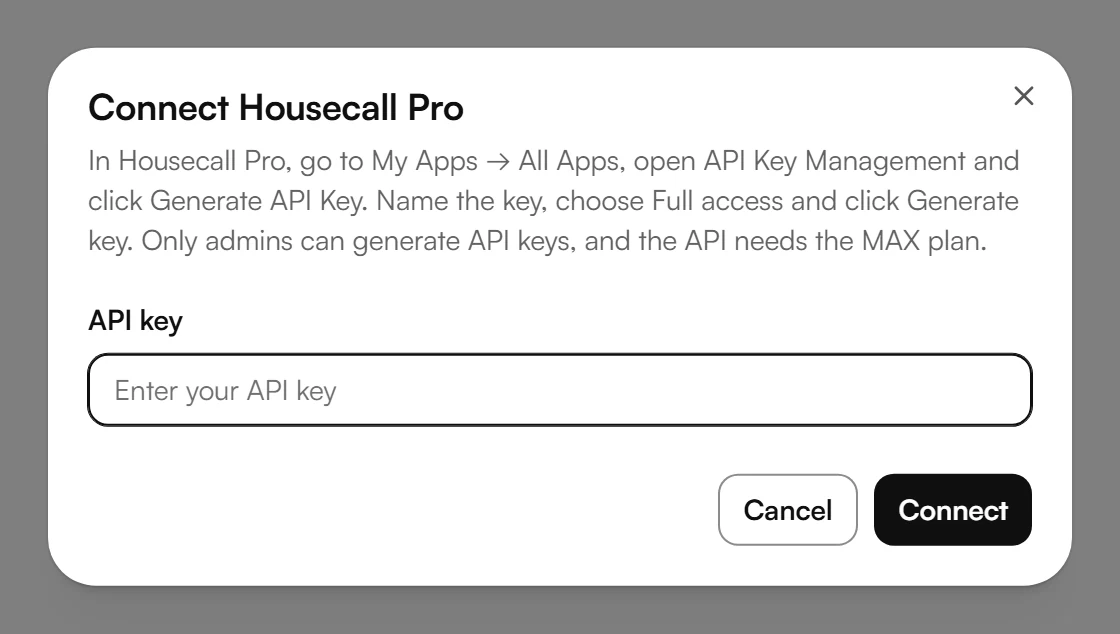
In Housecall Pro, go to My Apps → All Apps, open “API Key Management” and click “Generate API Key”. Name the key, choose “Full access” and click “Generate key”. Only admins can generate API keys.
In your dashboard, open Calendar and choose Connect calendar. This opens Calendar settings.
Under Connection, choose Connect next to Housecall Pro.
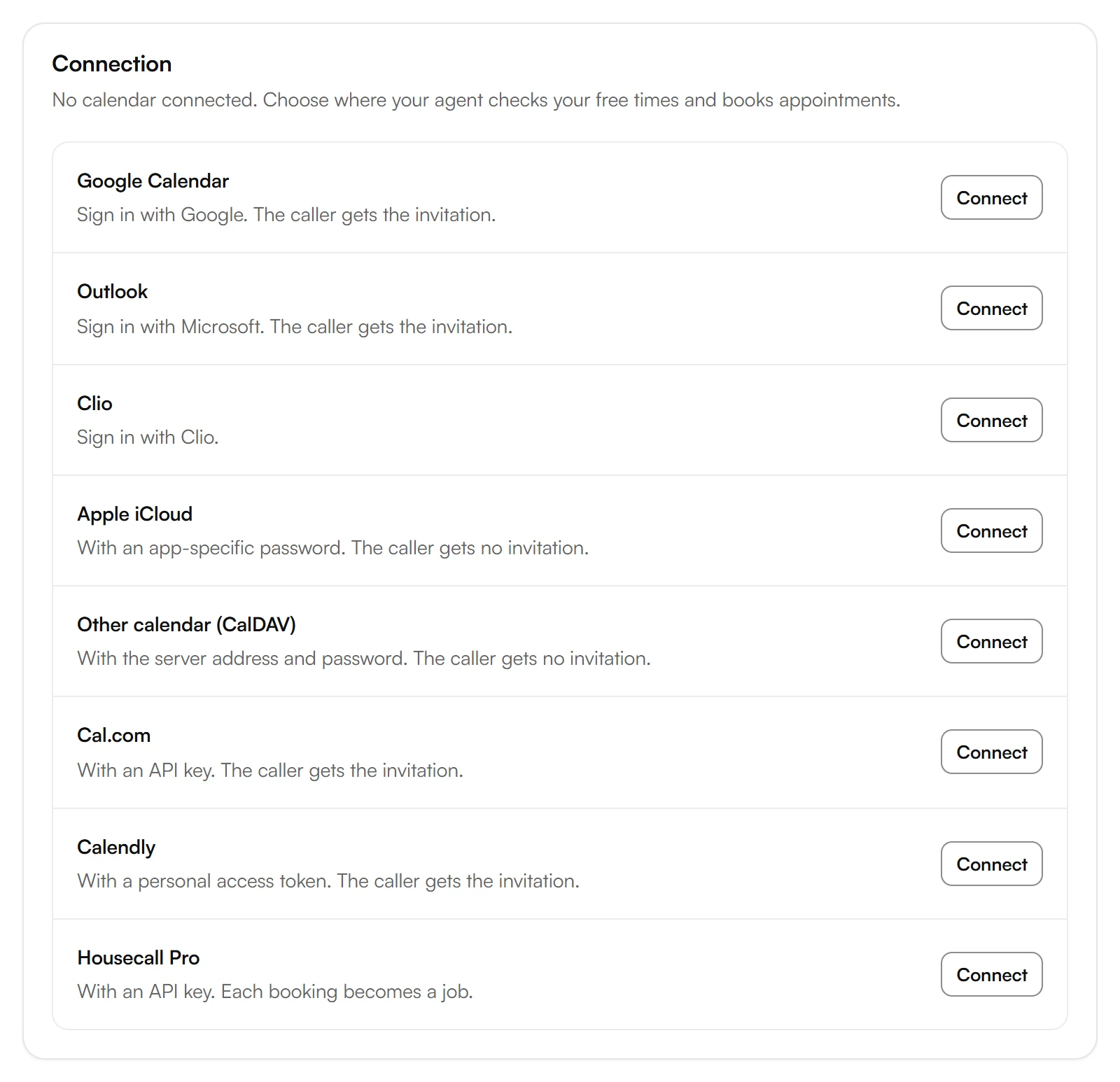
Paste the key into API key and choose Connect.
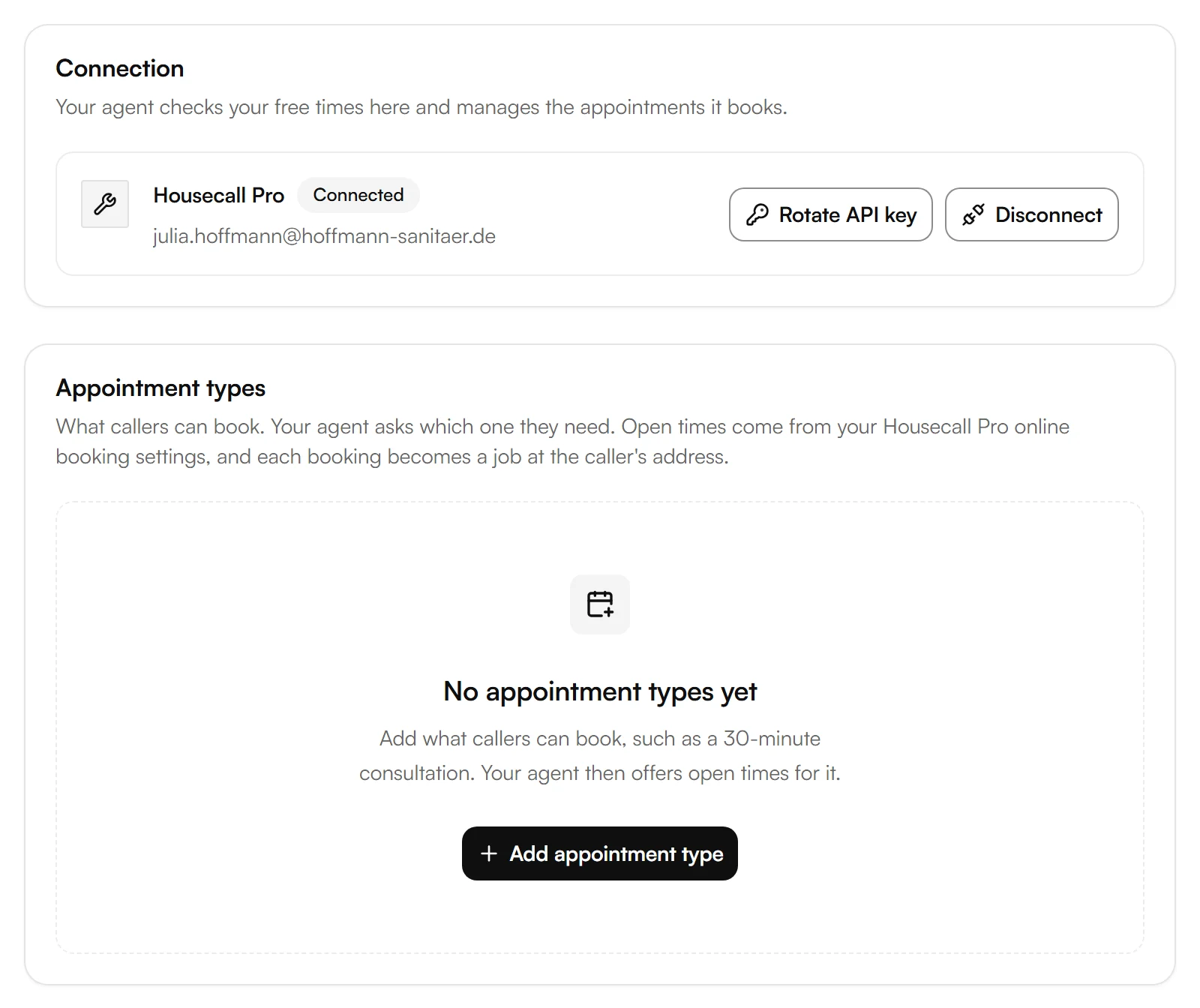
Housecall Pro now shows as Connected, with your appointment types below.
Add appointment types
Your agent only books the appointment types you add. Under Appointment types, choose Add appointment type and enter at least a Name and the Duration (minutes). On the call, your agent asks your Questions to ask before booking.
Housecall Pro doesn't create video links, so appointments set to Video meeting are booked without a link. For a link with each appointment, connect Google Calendar or Outlook.
Example
A plumbing company runs its jobs in Housecall Pro. A caller needs a water heater checked. The agent suggests open times from the online booking settings, the caller picks 8:00 AM on Friday, and a job for that time appears in Housecall Pro at the caller's address.
Good to know
Bookings are in Housecall Pro
Housecall Pro manages availability and bookings. Under Calendar, your dashboard links to Housecall Pro, where you see and change appointments.
Replacing the key
If you create a new key in Housecall Pro, choose Rotate API key and enter the new one.
Disconnecting Housecall Pro
Disconnect stops your agent from checking and booking in Housecall Pro. Bookings already made stay in Housecall Pro. Your appointment types and booking rules stay in Kesru.
Your data
Questions about your data are answered in the Privacy Policy and the Data Processing Agreement.
Related integrations
Questions about Housecall Pro?
Write to us at support@kesru.com, or start free and connect Housecall Pro in your dashboard.