Calendly integration
Your agent books your Calendly event types right in the call, using the availability you set in Calendly.
What it does
When a caller wants an appointment, your agent asks which event type they need, checks Calendly for open times, then books the time the caller picks. Calendly sends the confirmation and calendar invitation.
- Kesru reads and books in Calendly directly and stores no copy of your calendar.
- Calendly offers no way to move a booking. If a caller wants another time, your agent cancels the booking and books the new time.
Connect Calendly
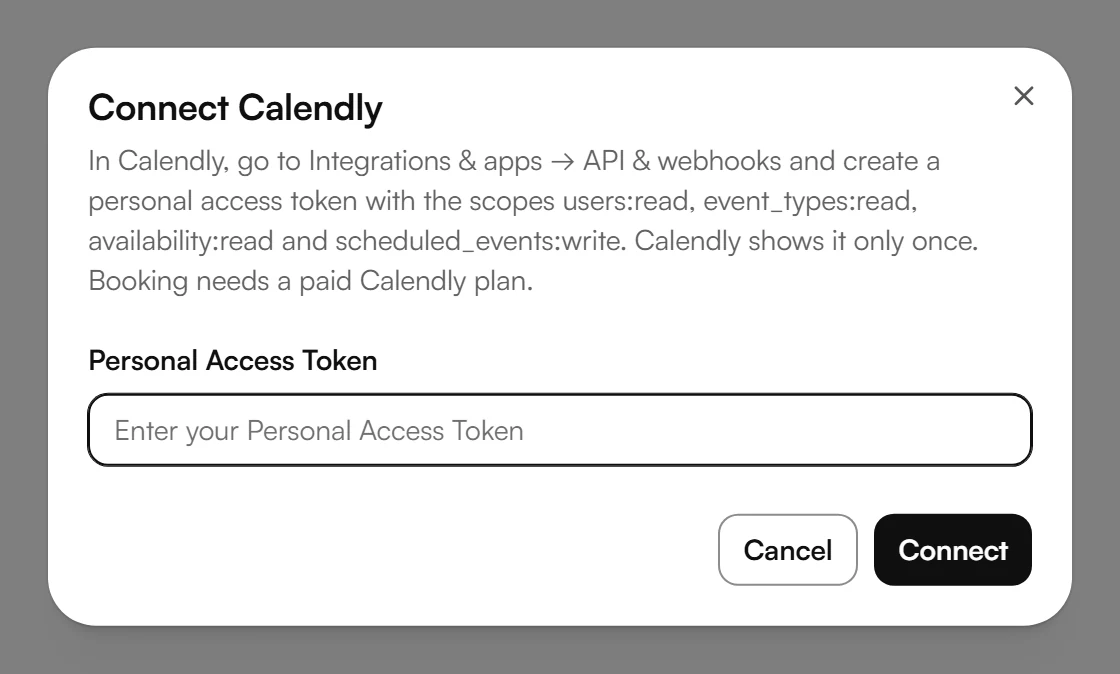
Open Integrations & apps → API & webhooks in Calendly and create a personal access token with the scopes users:read, event_types:read, availability:read and scheduled_events:write. Calendly shows it only once.
In your dashboard, open Calendar and choose Connect calendar. This opens Calendar settings.
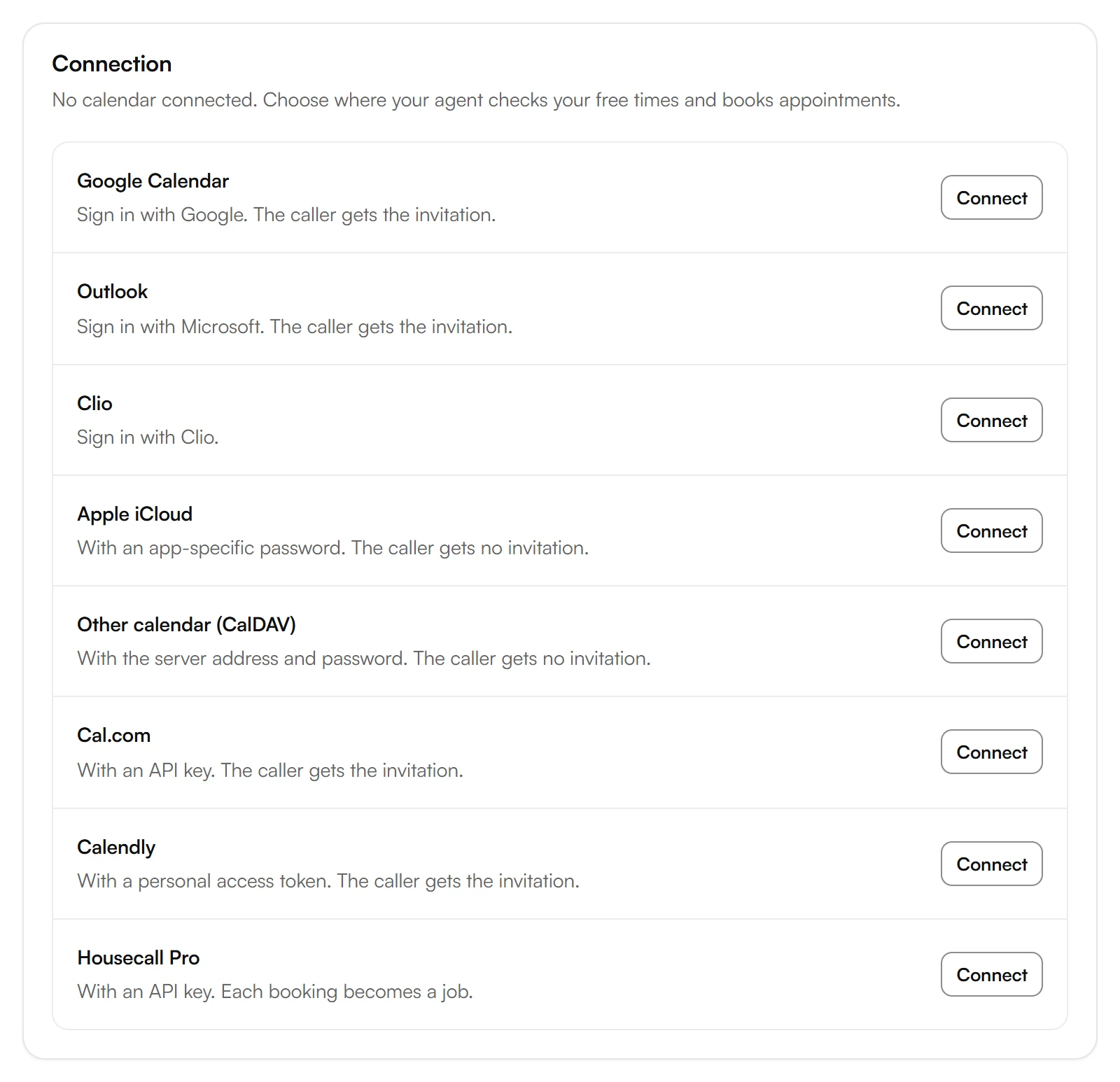
Under Connection, choose Connect next to Calendly.
Paste the token into Personal Access Token and choose Connect.
Add event types
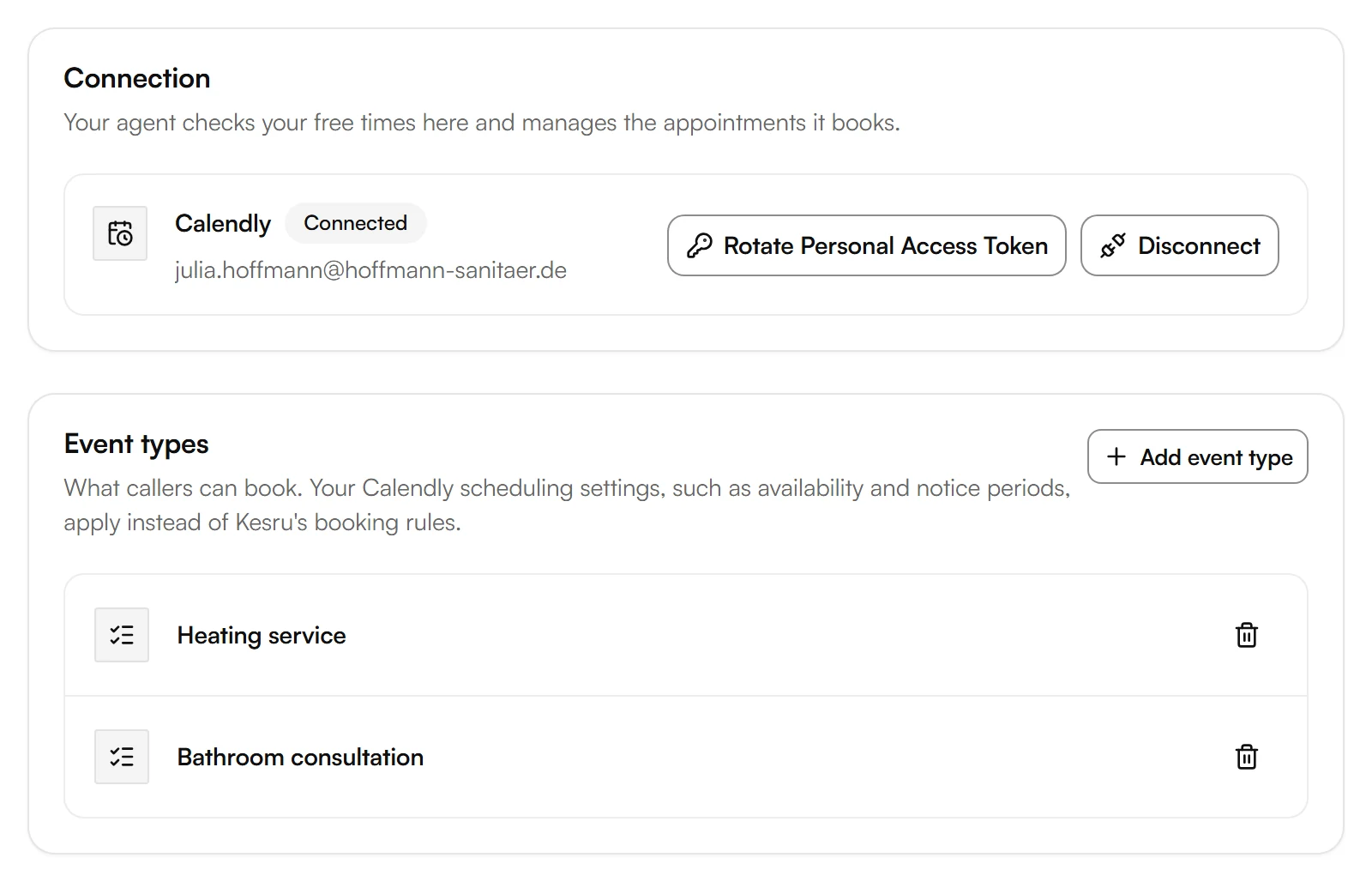
Your agent books only the event types you add. Your Calendly scheduling settings, such as availability and notice periods, apply instead of Kesru's booking rules.
Under Event types, choose Add event type.
Enter the Scheduling link: the public booking link of the event type, the same link you send invitees.
Example
A plumbing business offers a heating service as a Calendly event type. A caller books Tuesday at 9:00 AM. The next day they call again to ask for Thursday instead. The agent cancels the Tuesday booking and books Thursday.
Good to know
Bookings are in Calendly
Calendly manages availability and bookings. Under Calendar, your dashboard links to Calendly, where you see and change appointments.
Replacing the key
If you create a new key in Calendly, choose Rotate Personal Access Token and enter the new one.
Disconnecting Calendly
Disconnect stops your agent from checking and booking in Calendly. Bookings already made stay in Calendly. Kesru removes the event types you added, but they stay in Calendly. Your appointment types and booking rules stay in Kesru.
Your data
What Kesru stores and reads from your calendar is described in the Privacy Policy.
Related integrations
Questions about Calendly?
Write to us at support@kesru.com, or start free and connect Calendly in your dashboard.