
n8n integration
After every call and website chat, Kesru posts the data to the Webhook node of your n8n workflow, signed so you can verify it comes from Kesru.
What it does
Kesru sends a POST request with JSON to the URL of your Webhook node, the same webhook it sends to any server:
- post_call_transcription after each call, with the numbers, the duration, the outcome, the summary, the transcript and the details your agent collected.
- chat_started when a visitor starts a website chat, chat_ended when the chat ends and chat_analyzed once Kesru has summarized it.
Each agent sends to its own URL, so you can use one workflow for all agents or one per agent.
Connect n8n
In n8n, add a Webhook node with the POST method and publish the workflow.
Copy the production URL of the node.
In your dashboard, open Agents and choose your agent. Under Advanced, paste the URL in Webhook URL and choose Save.
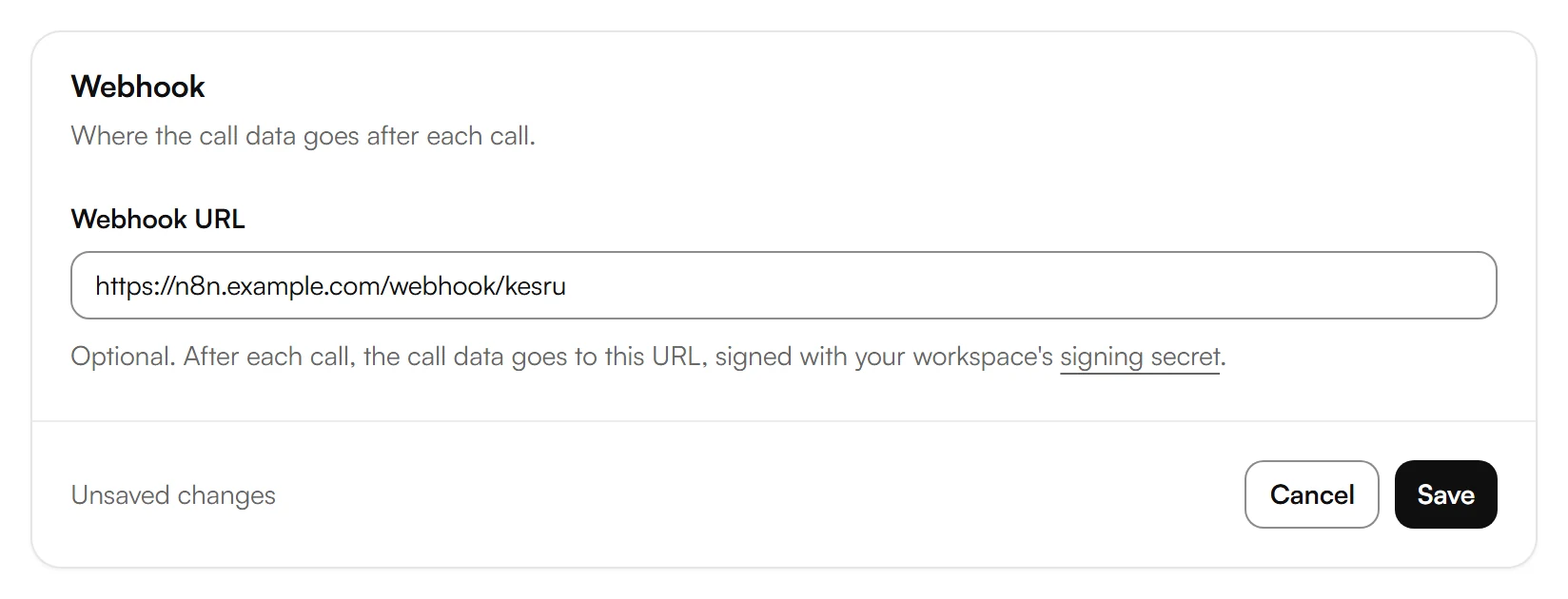
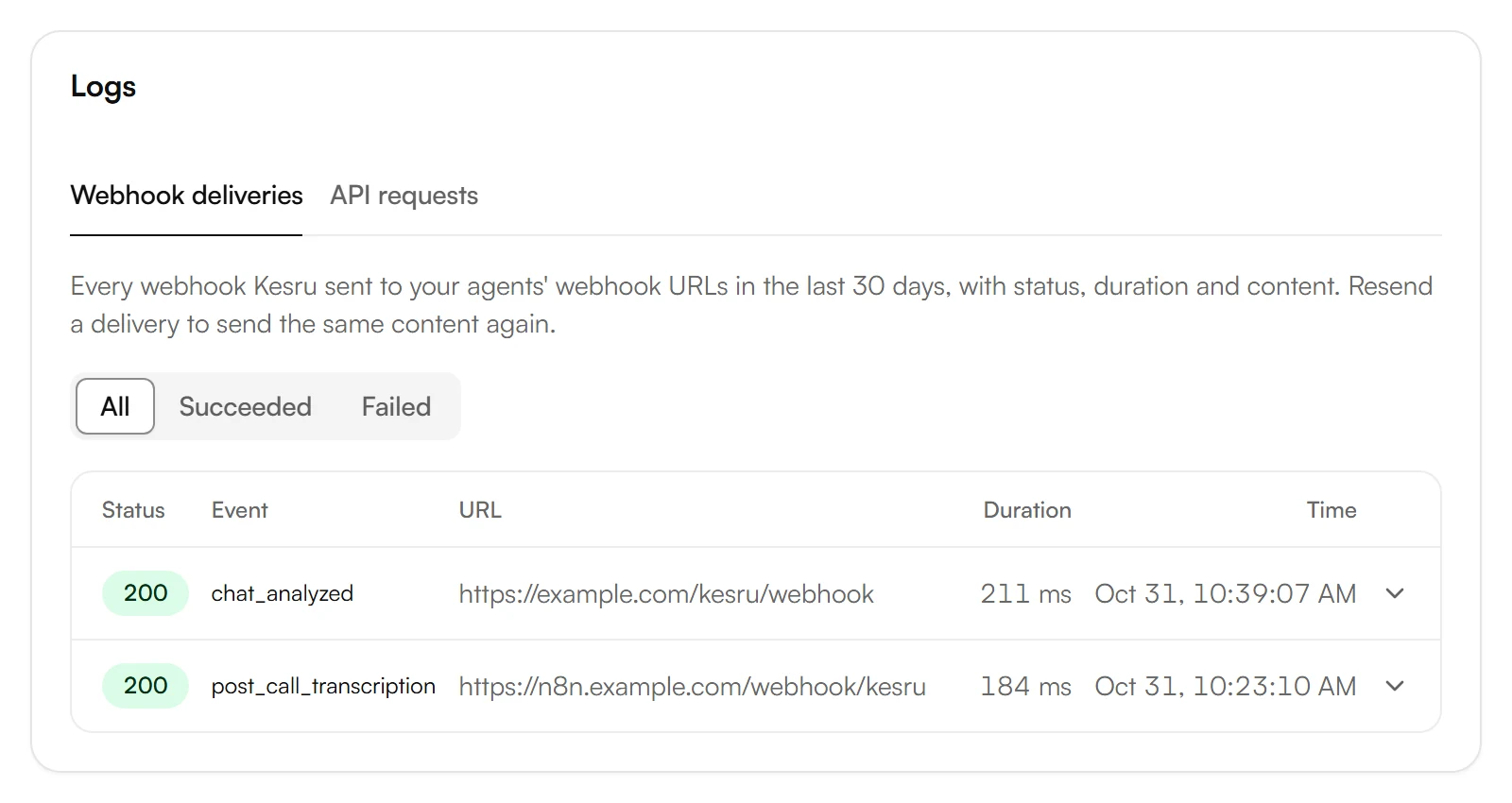
Place a test call or write a test chat. To see whether it arrived, choose signing secret under Webhook URL. Under Logs, Webhook deliveries lists each delivery with its status.
Example
Maria Lopez calls about a leaking water heater, and the agent Front Desk takes the call. When it ends, your Webhook node gets a body with type post_call_transcription and the call under data:
- agent_name: Front Desk, direction: inbound, external_number: +19545550148, call_duration_secs: 192.
- call_successful: success, termination_reason: user_hangup.
- transcript_summary: Maria Lopez called because her water heater is leaking. She wants a technician tomorrow morning and asked for a call back to confirm the time.
- transcript: each turn with role, message and time_in_call_secs.
- custom_analysis_data: the details your agent collected, like name, email address and address.
The next nodes of your workflow decide what happens with it, for example a new contact in your CRM.
Good to know
Your n8n must be reachable from the internet
Kesru only sends to public servers. A URL that points to localhost or your local network shows Not public under Webhook deliveries.
Respond within 10 seconds
If n8n doesn't respond with a 2xx status within 10 seconds, Kesru sends the same body again, up to 3 times, each time with a new signature.
Checking the signature
Each request carries the Kesru-Signature header. How to check it is described under Webhooks.
Your data
What Kesru sends to webhooks, and who keeps copies, is described in the Privacy Notice.
Related integrations
Questions about n8n?
Write to us at support@kesru.com, or start free and connect n8n in your dashboard.