Kesru REST API
Work with your calls, agents, phone numbers, chats and contacts from your own software, with an API key from your dashboard.
What it does
Your software sends requests with an API key, and each key can only use the areas you allow. These are the requests by area:
- Calls: list calls, get a call with its transcript, get its recording, and delete a call's transcript and recording.
- Agents: list and get agents, update an agent, publish it and delete it.
- Phone numbers: list your numbers, update a number and delete it.
- Users: list the people in your workspace.
- Chats: create a chat or an SMS chat, send a message in a chat, get, list and end chats, and delete a chat's messages.
- Contacts: list, create, get, update and delete contacts.
Create an API key
In your Kesru dashboard, open Billing and choose API keys.
Select Create API key and name the key after the software that uses it.
Leave Restrict key on and choose for each area what the key may do: No access, Read or Read and write. For Zapier, choose No access or Access.
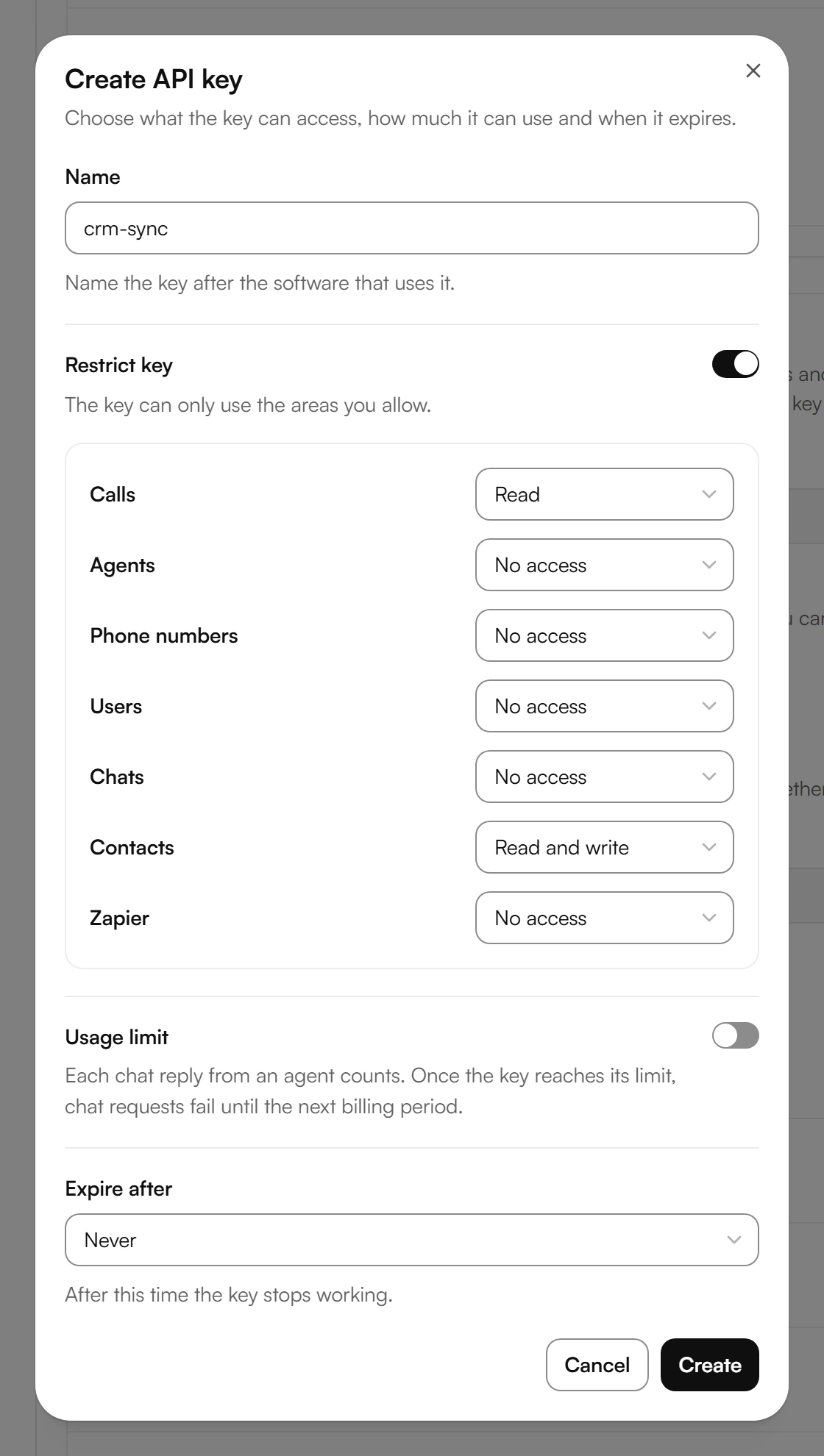
Under Expire after, choose when the key stops working, between 15 minutes and 30 days, or Never.
Select Create and copy the key right away. You won't be able to see it again.
With Restrict key turned off, the key has full access to the API and to Zapier. Give each piece of software its own key with only the areas it needs.
Send requests
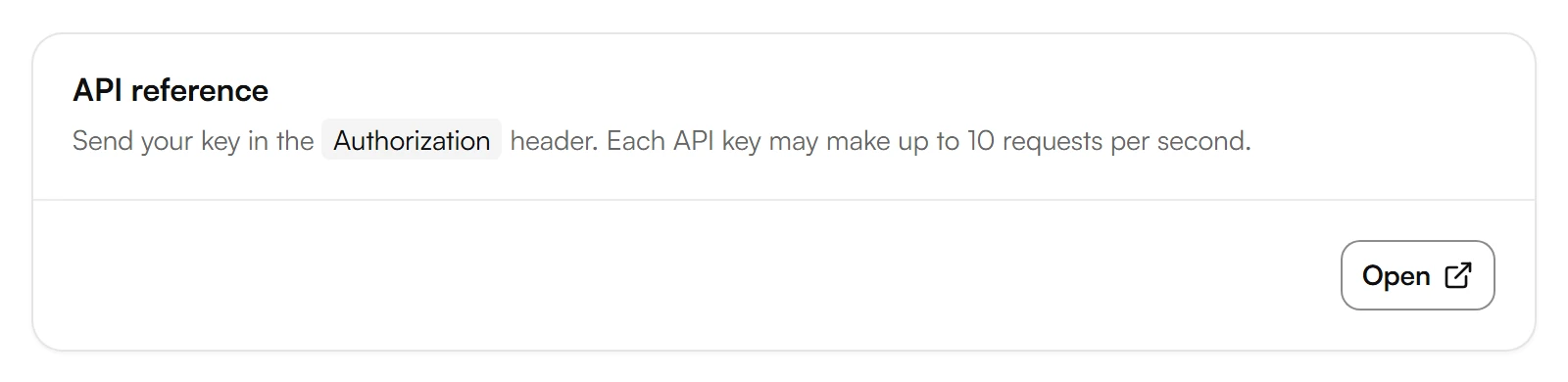
- Send the key in the Authorization header, as is or as a Bearer token.
- Each key may make up to 10 requests per second. Above that, Kesru answers with 429 Too Many Requests and asks you to retry after one second.
- Times are in Unix seconds, such as the start time of a call.
Manage keys
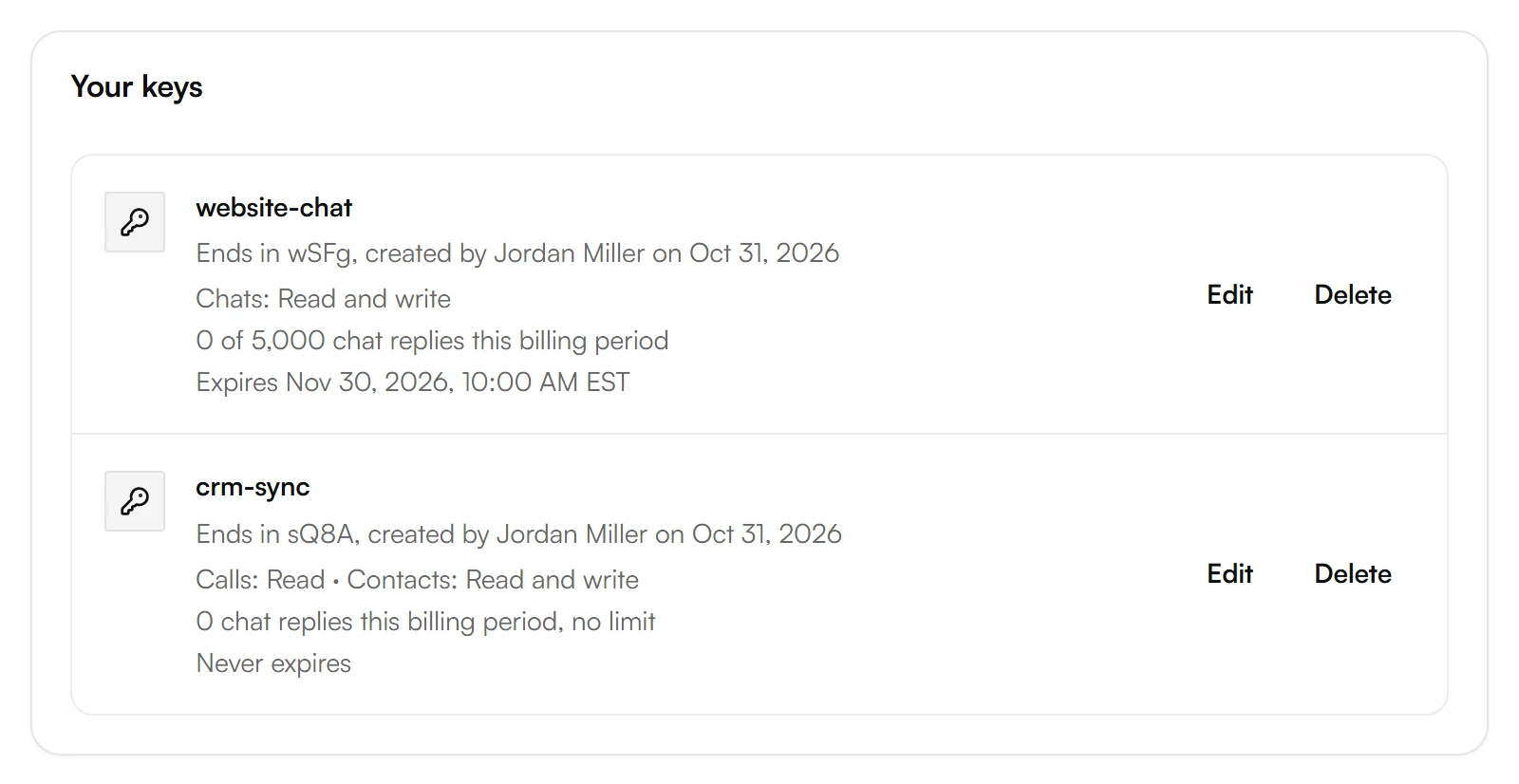
- Your keys lists each key with its last four characters, who created it and when, what it may access, its chat replies and when it expires.
- Edit changes a key's settings. Changes apply to the next request made with this key.
- Delete stops a key right away. Software and Zaps that use it stop until you connect them with another key.
- API log shows the requests made with your keys.
A Usage limit caps the chat replies of your agents for one key. Each chat reply counts, and once the key reaches its limit, chat requests fail until the next billing period.
Example
Miller Plumbing connects two pieces of software, each with its own key. crm-sync may read calls and read and write contacts, so the CRM can fetch new calls and keep the contacts in step. website-chat may only use chats, capped at 5,000 chat replies per billing period, and expires after 30 days.
Good to know
Kesru answers 401
The key is invalid or has expired. An expired key shows Expired under Your keys and can't be changed. Create a new key and use it in your software.
Kesru answers 403
Either the key lacks the permission for that area, so change its access under Billing > API keys, or your workspace has no active subscription or trial.
Kesru answers 429
The key made more than 10 requests in one second. Wait a second and send the request again.
The same keys work for Zapier
A key with Access for Zapier connects Kesru with Zapier. Without it, Zapier can't use the key.
Your data
How Kesru handles your data is described in the Privacy Policy.
Related integrations
Questions about the REST API?
Write to us at support@kesru.com, or start free and create an API key in your dashboard.