Export your data and sign the DPA
Download your contacts and call logs as CSV files, sign our data processing agreement, and find out how to have your data deleted.
Export contacts and call logs
In your dashboard, open Billing and choose Export your data.

Choose Contacts, Call logs or both, then choose Export data.
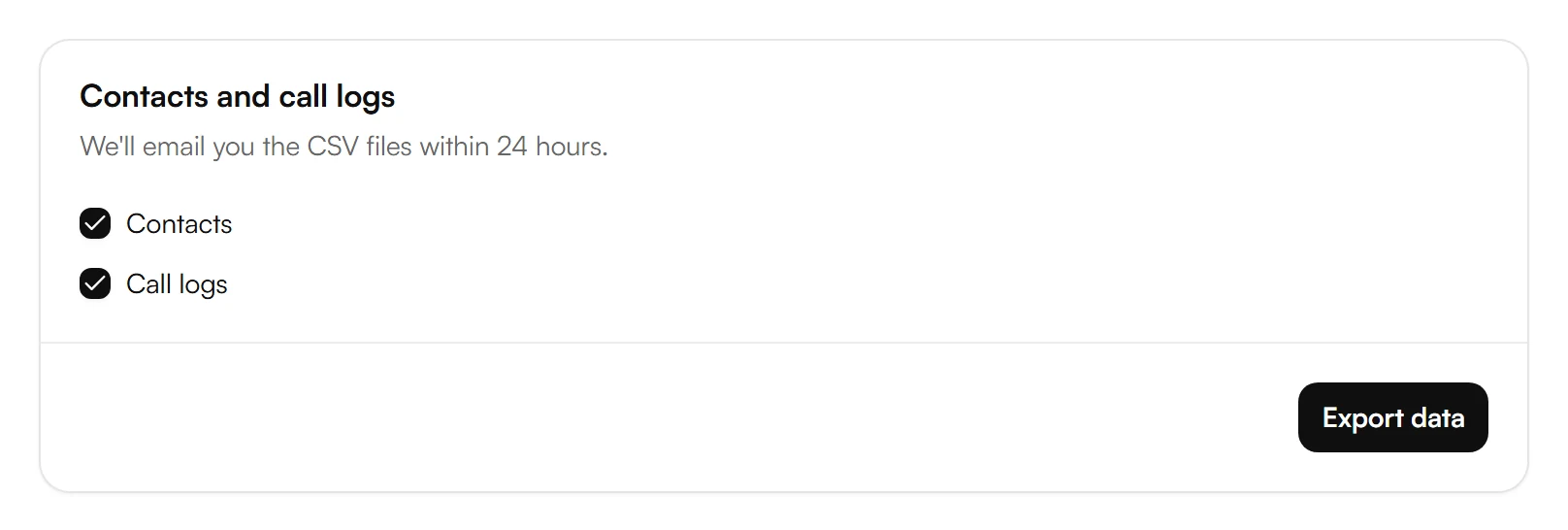
We email you a link to download the CSV files. If the link has expired, start a new export.
- Contacts: names, numbers and your custom fields.
- Call logs: when each call took place, how long it lasted and who was on it.
Exports cover everything since your workspace was created. If you choose both, they come in one ZIP file. Recordings, transcripts and summaries aren't included.
Sign the data processing agreement
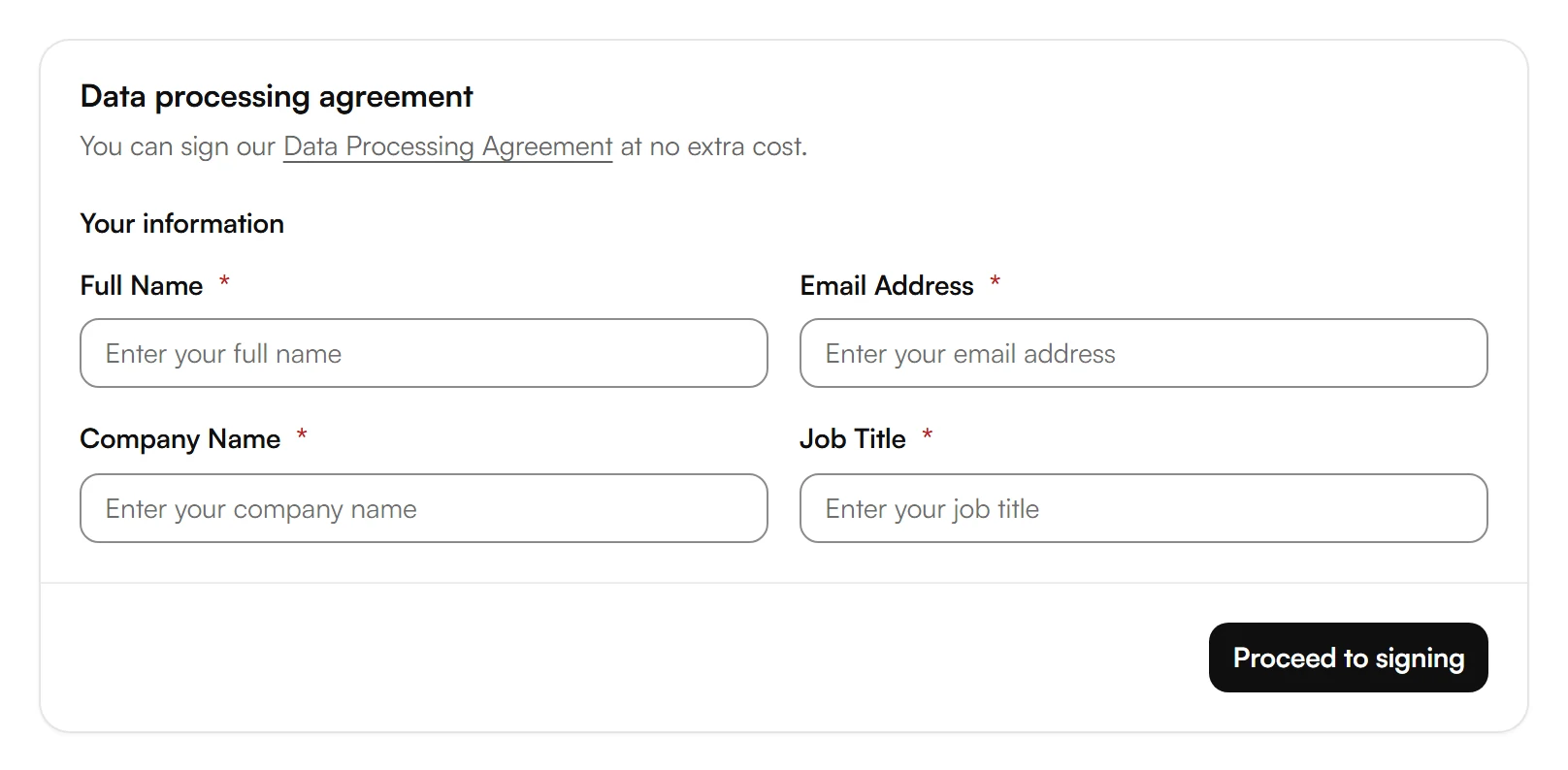
In Billing, under Data processing agreement, enter your Full Name, Email Address, Company Name and Job Title, then choose Proceed to signing.
Under Review and sign agreement, read the agreement and choose Sign agreement. Download agreement then gives you a copy.
When there's a new version, you sign it again. The current version is on our Data Processing Agreement page.
Have your data deleted
How to have your data deleted, and your other privacy rights, are described in our Privacy Policy.
Related articles
Still have questions?
Write to us at support@kesru.com.