Cancel your plan or free trial
End your free trial or cancel your subscription in Billing. Here's what happens next and where to find the terms.
Cancel
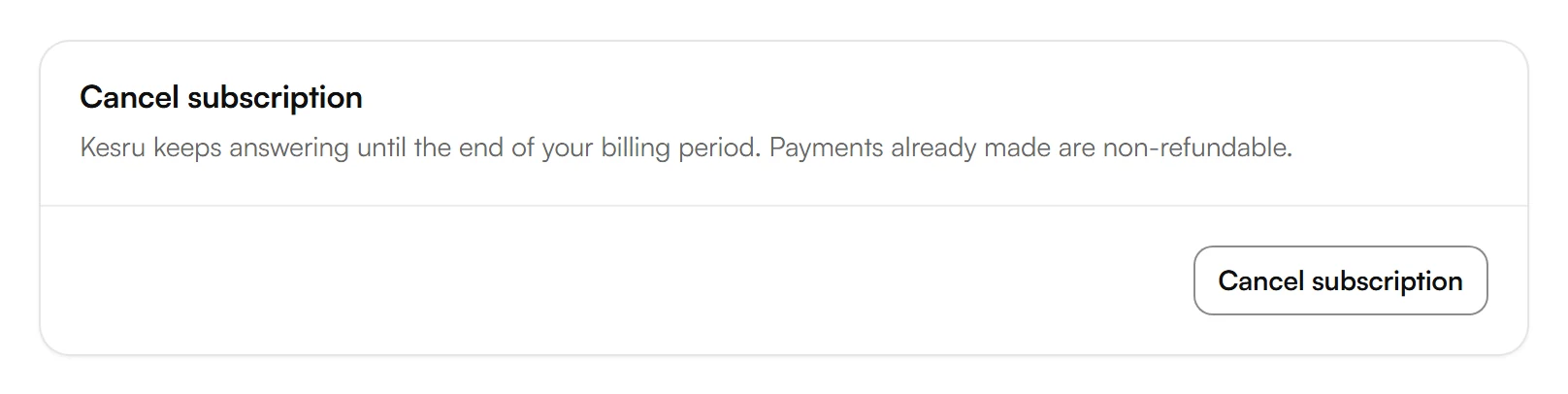
In your dashboard, open Billing. At the bottom, choose Cancel subscription, or End free trial during your free trial.
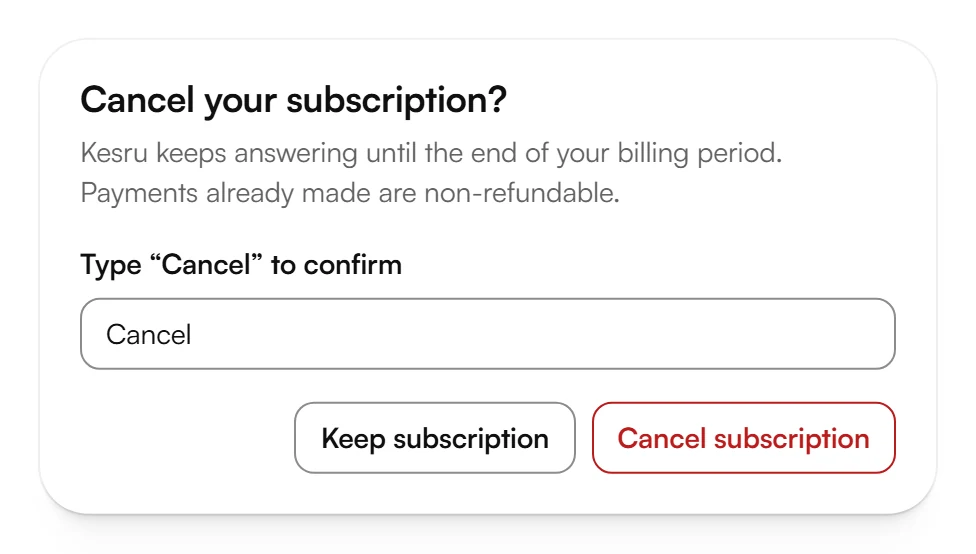
Type Cancel to confirm and choose Cancel subscription, or End free trial, again.
We email a confirmation to you and to the workspace owner.
What happens next
- Subscription: Kesru keeps answering until your billing period is over. Billing shows Ends with the date.
- Changed your mind? Until that date, choose Renew subscription in Billing. Your subscription then continues as before, and you can change your plan again.
- After it ends: Billing shows that your plan has ended. To take calls again, pick a plan with Choose a plan.
- Free trial: your free trial ends right away.
- Yearly plan, first 30 days: within 30 days after your first yearly payment, the window says that your plan ends right away and that the plan fee for the rest of the year is refunded, prorated. Billing then shows that your plan has ended. If you've already canceled on the payment page under Manage, choose End plan now in Billing within the 30 days.
If you'd like a copy of your contacts and call logs, export your data.
Refunds and contract terms
Whether payments are refunded, and other questions about your contract, are covered in our Terms of Service.
Related articles
Still have questions?
Write to us at support@kesru.com.