Forward your business number to Kesru
Your customers keep calling the number they know. Kesru detects your carrier and shows you the codes to dial, with your Kesru number filled in.
Set up call forwarding
In your dashboard, open Phone numbers and choose Call forwarding.
Under Your business number, enter the number your customers call today and choose Detect carrier.
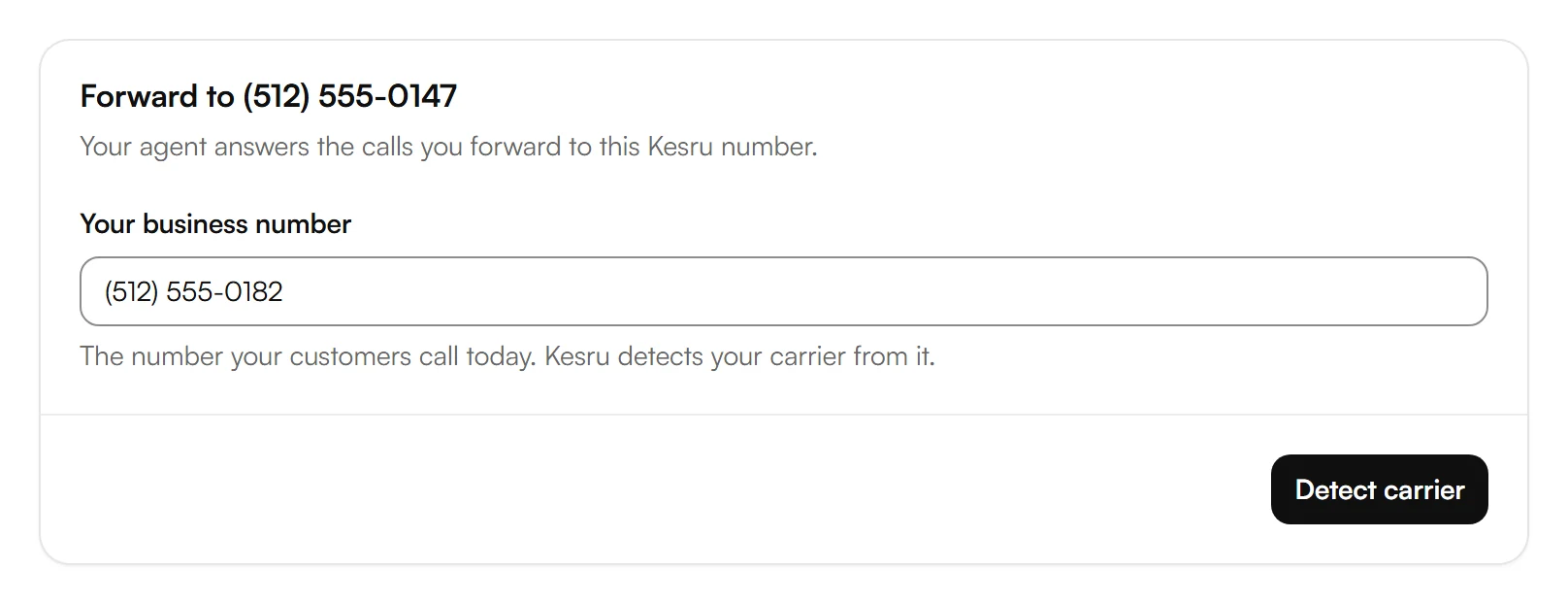
If Kesru can't tell your carrier, choose it under Carrier or phone system from the list. If it isn't there or you're not sure, choose I don't know for the usual codes that work with most carriers.
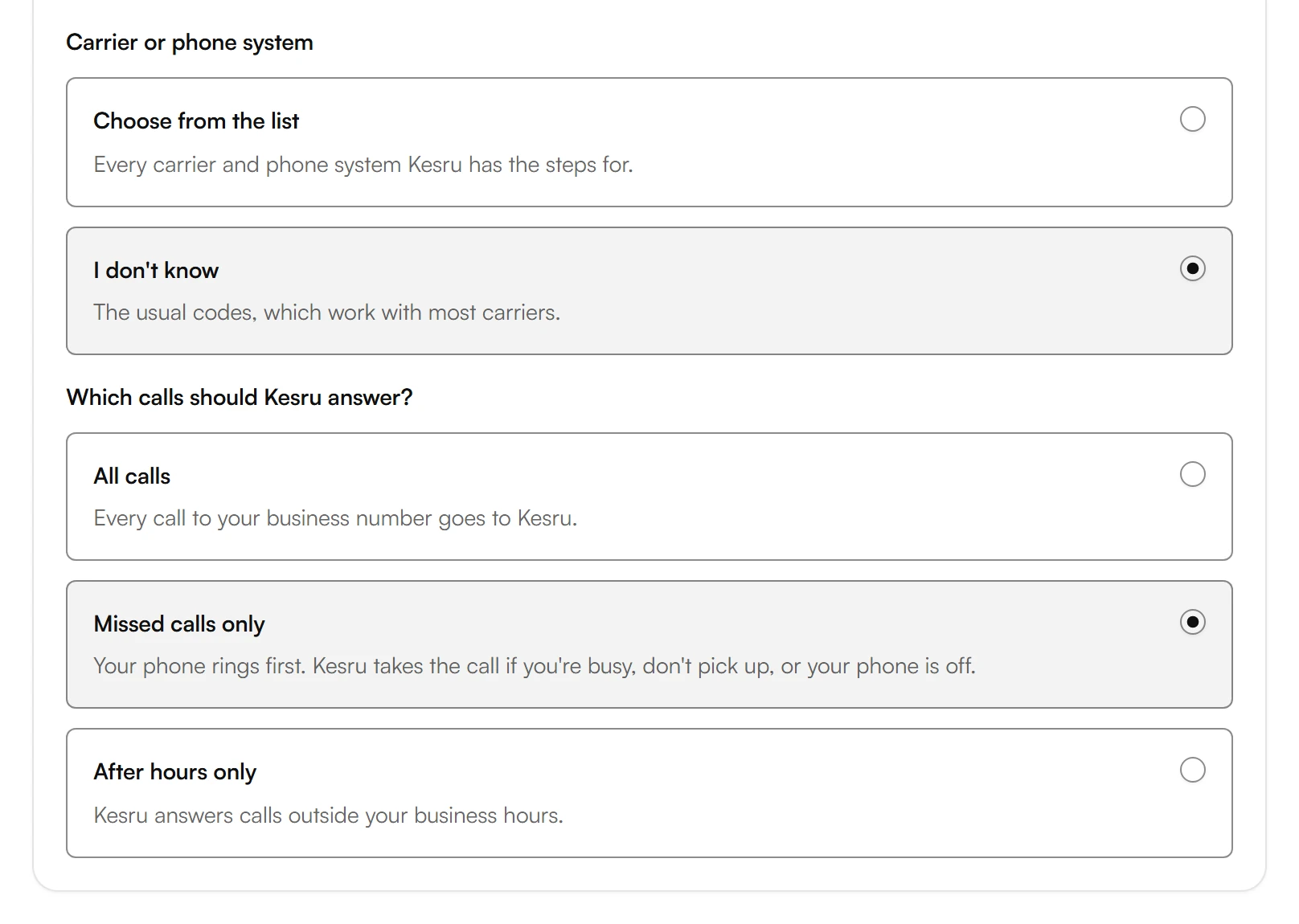
Under Which calls should Kesru answer?, Missed calls only is already selected, or All calls if your carrier can only forward all calls. To change it, choose another option below. Kesru saves every choice and shows the steps for it right away.
Under Turn on, dial each code from the phone that should forward its calls, then press call. With a phone system, Turn on lists the steps for it instead of codes.
Read Good to know under the codes. It has what matters for your carrier and phone, for example how to avoid calls going to your voicemail instead of Kesru.
Which calls Kesru answers
- All calls: every call to your business number goes to Kesru.
- Missed calls only: your phone rings first. Kesru answers if your line is busy, you don't pick up or your phone is off.
- After hours only: Kesru answers outside your business hours. Carriers can't forward on a schedule, so you turn forwarding on when you close and off when you open. Kesru shows both codes. If your phone system can forward on a schedule, Kesru shows the steps for it.
Test it
Use another phone to call your business number. With Missed calls only, let it ring without answering. If forwarding is on, your agent picks up.
If your agent transfers callers to a person, use a different number for the transfer than the business number you forward. Otherwise the call goes in a loop.
Turn forwarding off
Open Call forwarding again. Kesru keeps your choices, and under Turn off it shows how to end forwarding: the codes to dial from the same phone, or the steps for your phone system.
Use only the new number
You don't have to forward. If you'd rather give callers your Kesru number, choose Use only the new number in the step Forward your calls on the home page of your dashboard. You can still forward later.
Related articles
Still have questions?
Write to us at support@kesru.com.