Get your Kesru number
Your agent answers calls on a Kesru number. You choose its area code, then your plan, and Kesru sets up the number after checkout.
Choose an area code
In your dashboard, open Phone numbers and choose Get a phone number.
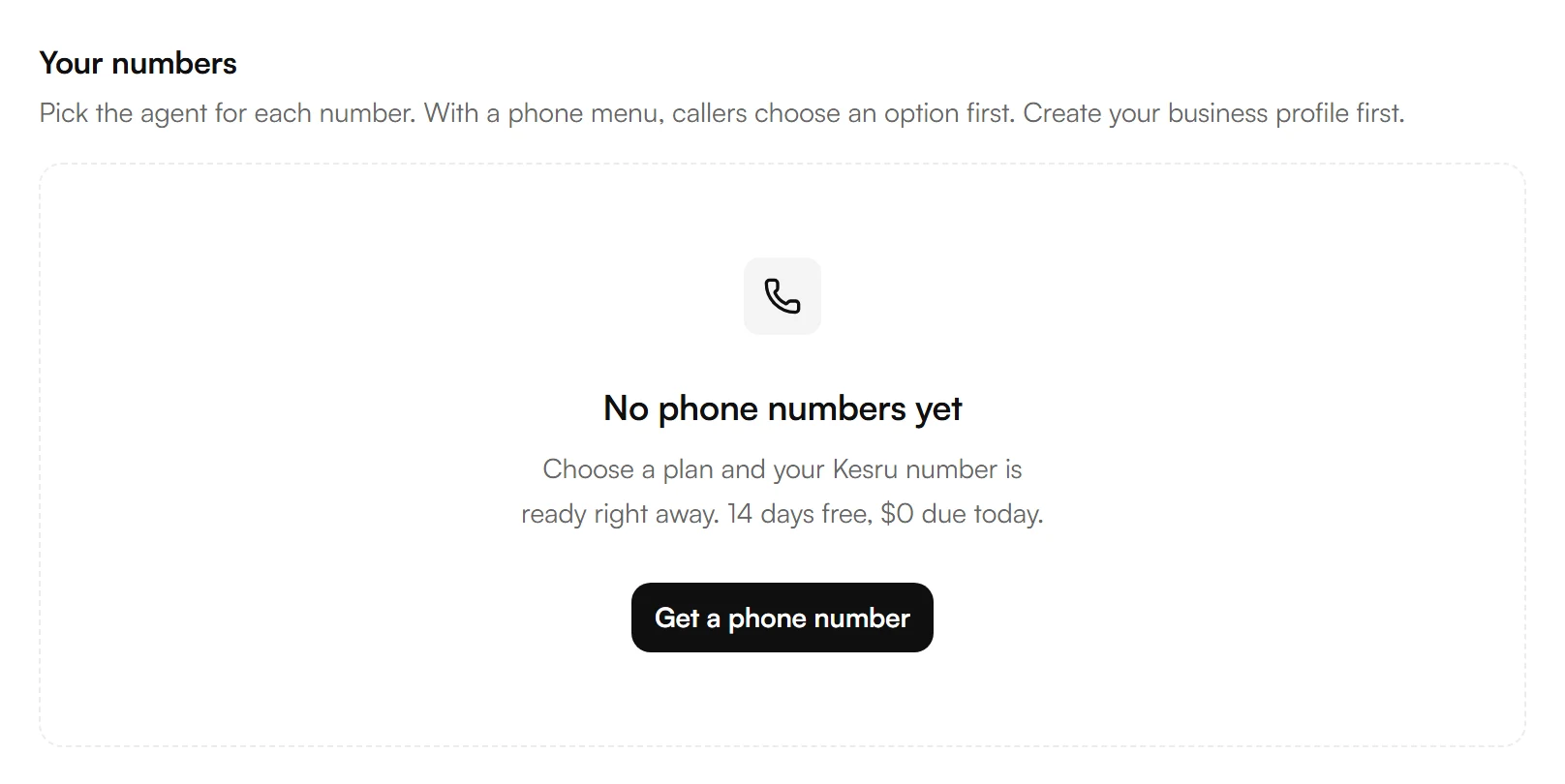
Select Choose an area code and enter its three digits, so your number looks local to your callers. Or choose Any area code, and Kesru picks a free local number.
Choose Continue.
Choose your plan
Choose Pay Monthly or Pay Annually. If you have a referral code, enter it under Have a referral code?.
Choose the button under the plan you want and check out.
Kesru sets up your number. When Your receptionist's number shows, choose Call it now and your agent answers. If your agent isn't published yet, choose Publish your receptionist first.
What each plan includes is on our pricing. For more minutes or calls at once than the plans offer, choose Contact us on Enterprise.
If setting up takes longer than usual, your number shows up under Phone numbers as soon as it's ready. You don't need to check out again.
Choose the agent for a number
Open Phone numbers. Under Call Agent, choose the agent that answers calls to this number.
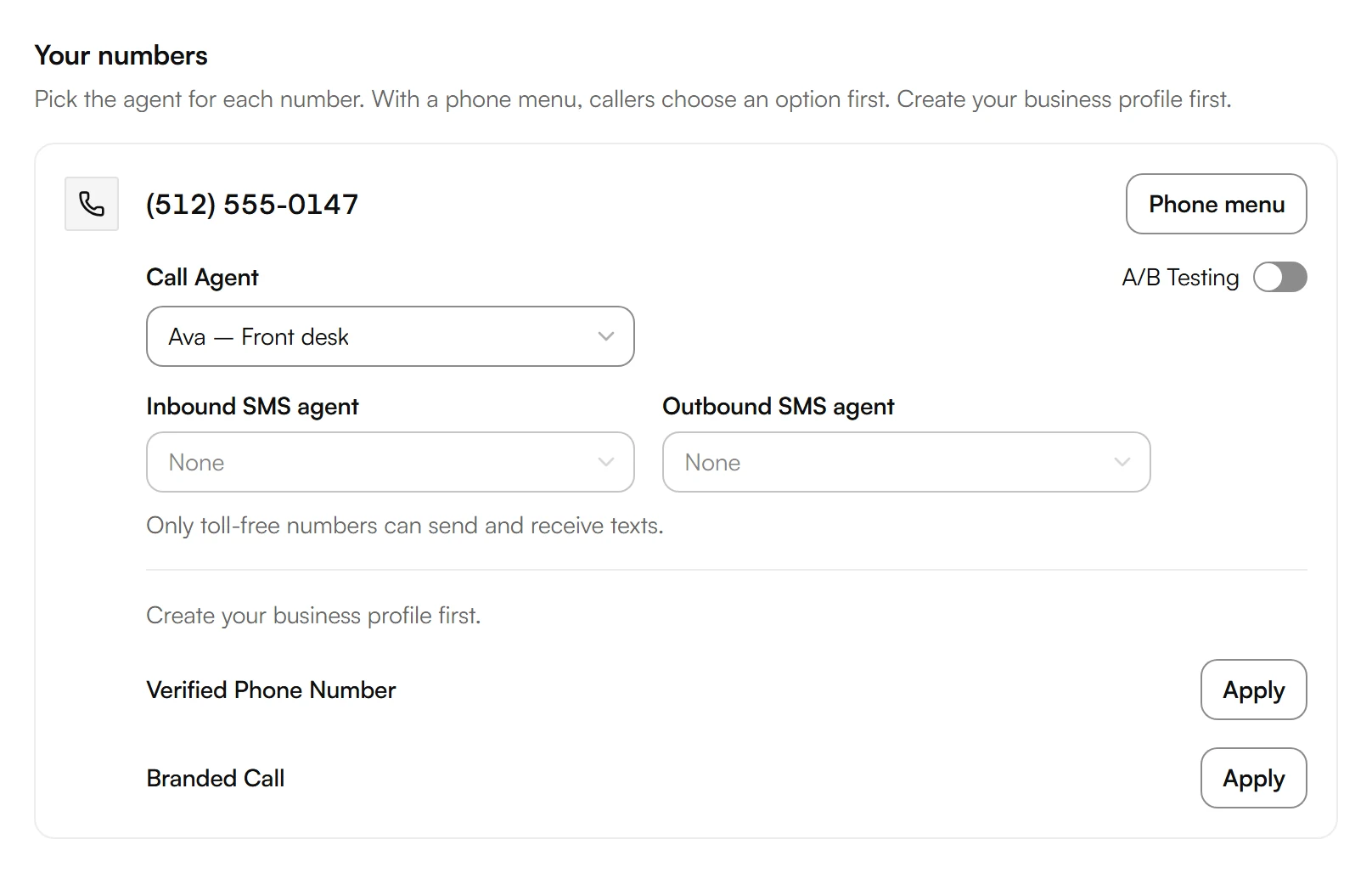
To let callers choose an option first, for example sales or service, set up a Phone menu for the number.
Text messages work only with toll-free numbers.
Keep your business number
Your customers can keep calling the number they know. Forward its calls to your Kesru number: every call, or just the calls you miss. See Forward your business number.
Related articles
Still have questions?
Write to us at support@kesru.com.