Payment method and invoices
Update the card you pay with and download your invoices. Kesru bills through Stripe.
Update your card
In your dashboard, open Billing. Under Payment method and invoices, choose Manage.
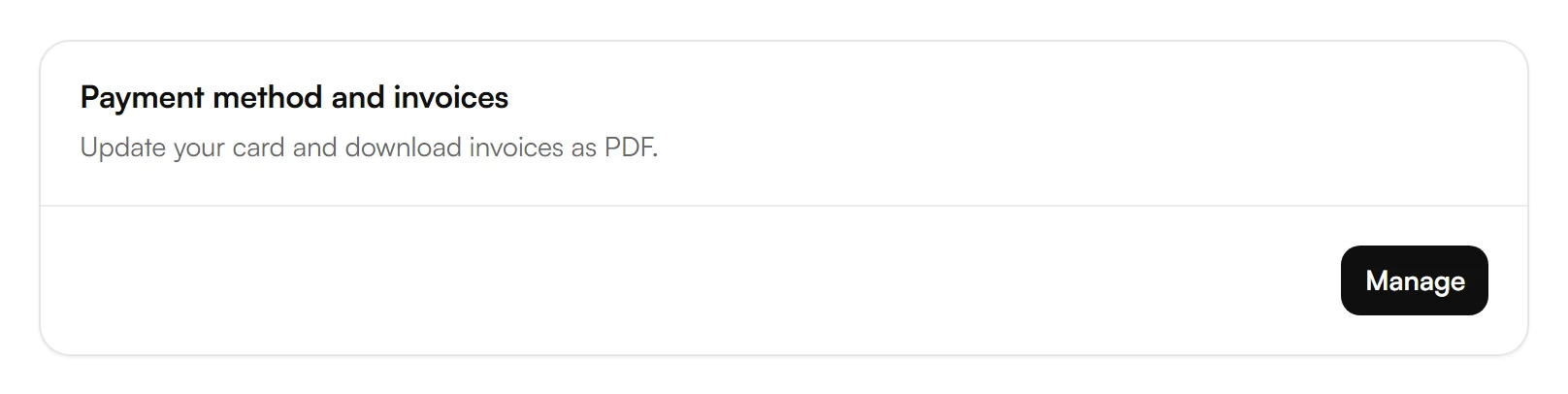
Your billing page at Stripe opens. Update your card there.
When you're done, go back to Kesru with the link on that page.
Download invoices
Your invoices are listed on the same page at Stripe. Open an invoice to download it as a PDF.
Billing address and taxes
You enter your billing address when you check out. Taxes are calculated from it and shown on your invoices. Amounts under Usage in Billing don't include tax.
If a payment fails
Billing shows Payment past due. Update your card under Manage. The payment is retried automatically, and Kesru keeps answering in the meantime. If the last attempt fails, your subscription is canceled.
Related articles
Still have questions?
Write to us at support@kesru.com.