Give your agent instructions and knowledge
Tell your agent in your own words what to do, and add your website, pages, files or text it answers callers from.
Checked
Add instructions
In your dashboard, open Agents, choose your agent and open Instructions & knowledge.
Under Additional instructions, write what your agent should do or avoid. It follows them in every conversation, on top of its other settings.
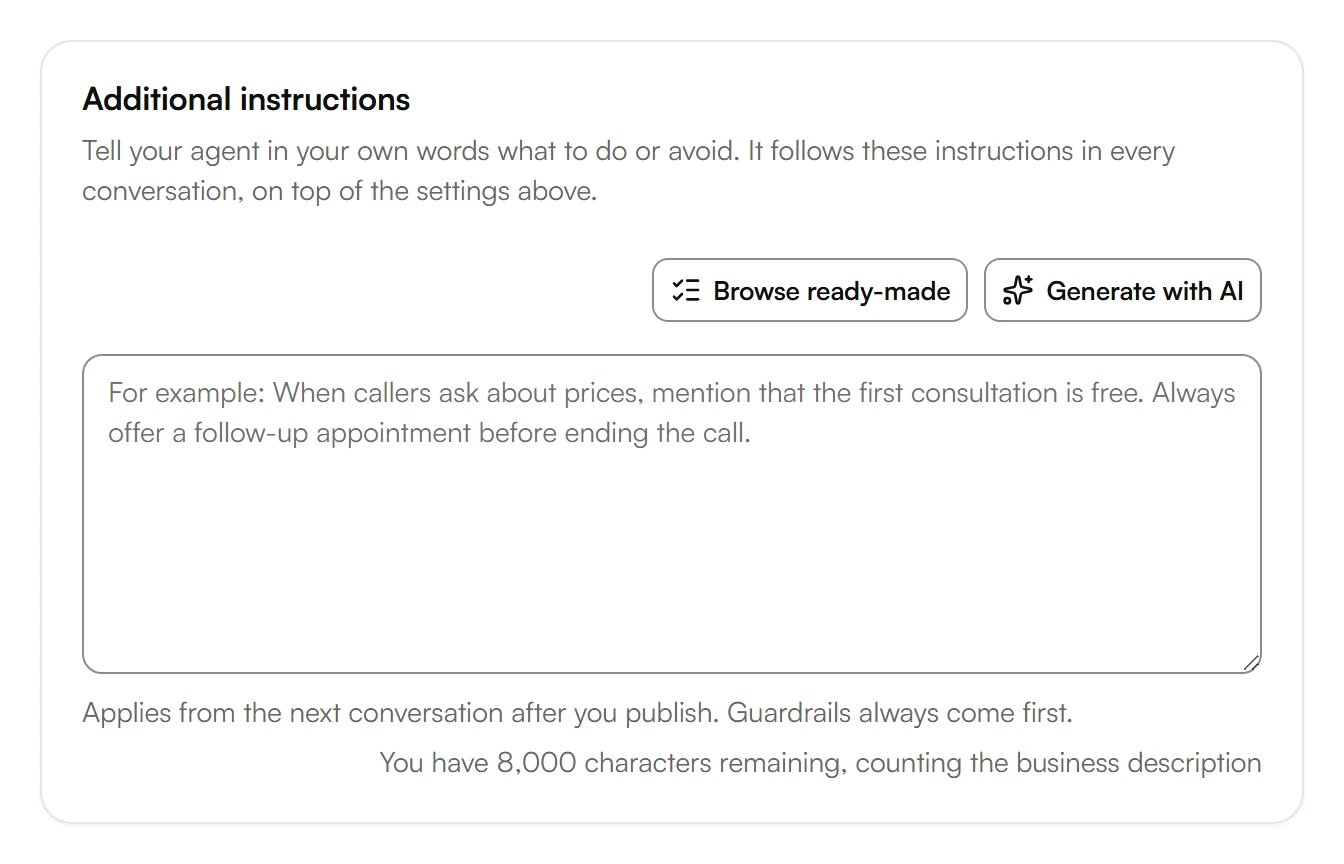
To start from rules others use, choose Browse ready-made, pick rules under For every business or Industry and choose Done.
To get a draft, choose Generate with AI, describe your business in a few words and choose Generate. The draft replaces the text in the field.
Choose Save, then Publish.
Instructions and your business description share 8,000 characters. Guardrails always come first.
Teach your agent about your business
Under Teach your agent about your business, choose what Kesru should read: Add your website, Single page, Upload file or Text.
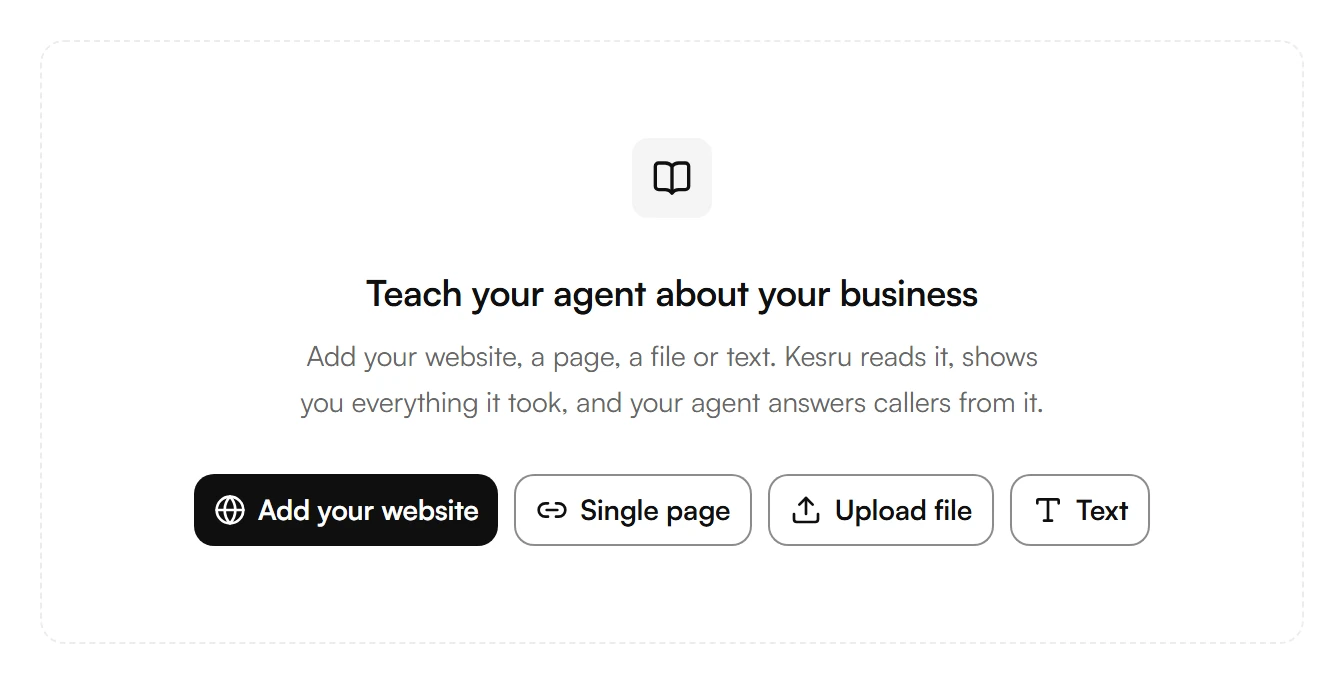
Kesru reads it and shows you everything it took. Your agent answers callers from it.
Under Knowledge bases, you see the knowledge bases your agent uses when it answers questions. To add or change one, choose Manage knowledge bases.
Was this helpful?
Related articles
Still have questions?
Write to us at support@kesru.com.