Test your agent
Talk to your agent in your browser, let it call your mobile or run simulated calls before your callers reach it.
Checked
Talk in your browser
In your dashboard, open Agents and choose your agent.
Under Test your agent, choose Talk to and the name of your agent, such as Talk to Ava. Allow your browser to use the microphone.
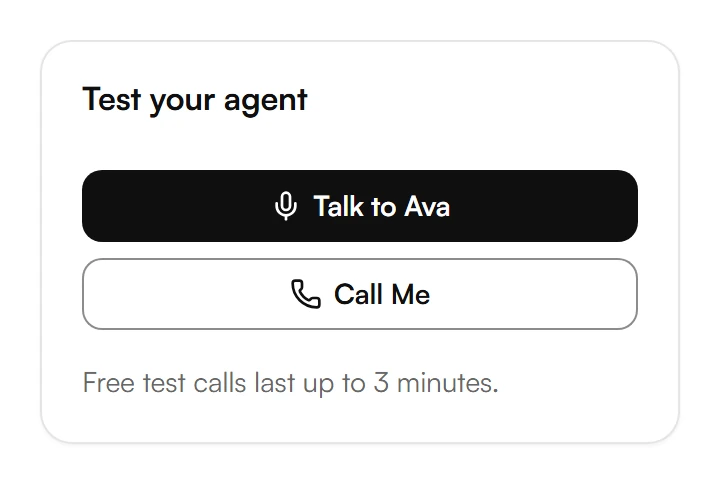
Talk as your callers would. To hang up, choose End the Call.
Let your agent call your mobile
Under Test your agent, choose Call Me.
The first time, Kesru asks for your number: enter it under Mobile number and choose Send code. Enter the Verification code from the text message and choose Verify.
Kesru calls your mobile and your agent picks up. To end the call, hang up your phone.
Run simulated tests
A simulated test plays a caller against your agent and checks the result, so you can test many cases without calling.
On your agent's page, choose Simulated tests, then Add your first test case or Add test case.
Under Simulated caller, describe the caller's identity, goal and manner. Under Success criteria, describe one behavior your agent should show. Choose Save.
Select the test case, choose the version to test and choose Run test.
Each result shows Passed or Failed, with the whole conversation.
Go back to an earlier version
On your agent's page, open the menu next to Publish and choose Version history.
Choose Restore next to the version you want and confirm with Restore version.
Restoring a version takes effect immediately and replaces any current draft changes.
Was this helpful?
Related articles
Still have questions?
Write to us at support@kesru.com.