Choose voice and personality
Pick how your agent sounds, its tone and what it says when it picks up and before it hangs up.
Checked
Choose a voice
In your dashboard, open Agents, choose your agent and open Personality.
Under Voice, choose Standard for any voice from our library, in every language your agent speaks. Or choose Human for a voice that sounds like a real person. Human is English only and costs extra per minute, as the card shows.
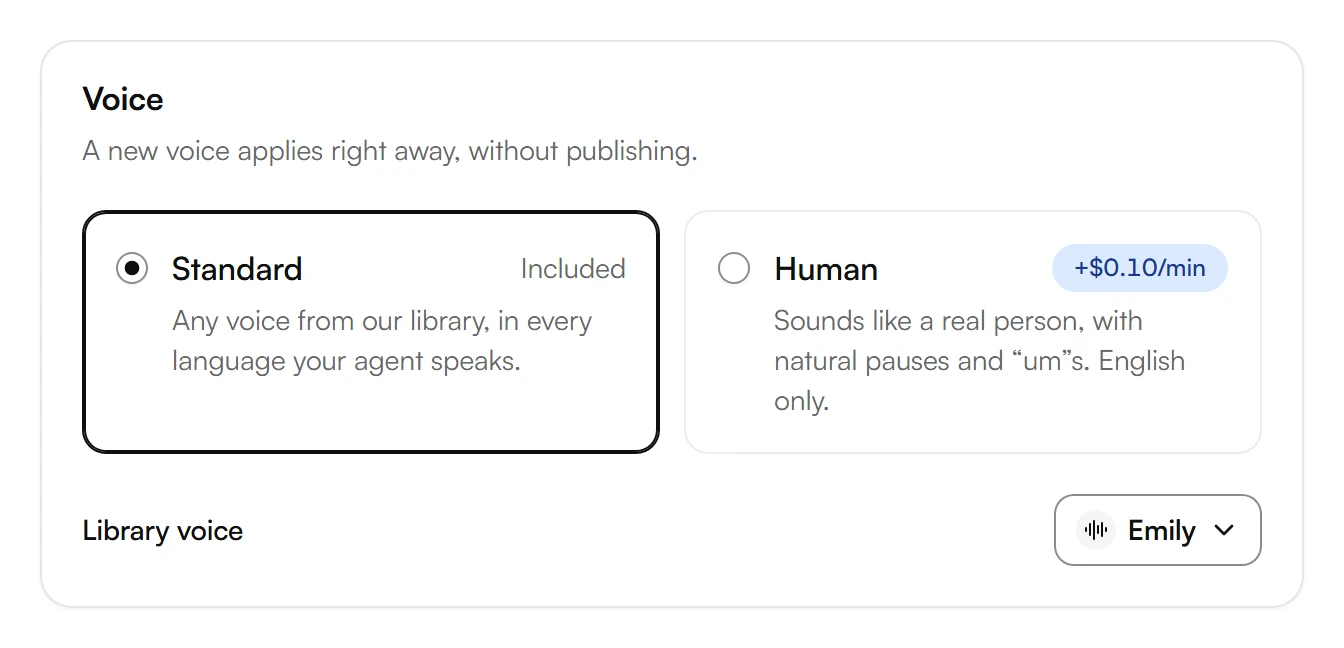
With Standard, choose the button under Library voice and pick a voice. Use Search voices to find one by name.
A new voice applies right away, without publishing.
Set the tone
Under Tone, choose any combination, such as Friendly and Concise.
Turn on Filler words if your agent should say “um” and “you know” now and then, for a more human tone.
Choose Save.
Write the greeting
Under Greeting, write what your agent says when it picks up. The hint under the field says what to include: your business name and that callers are talking to an AI assistant. Keep it short.
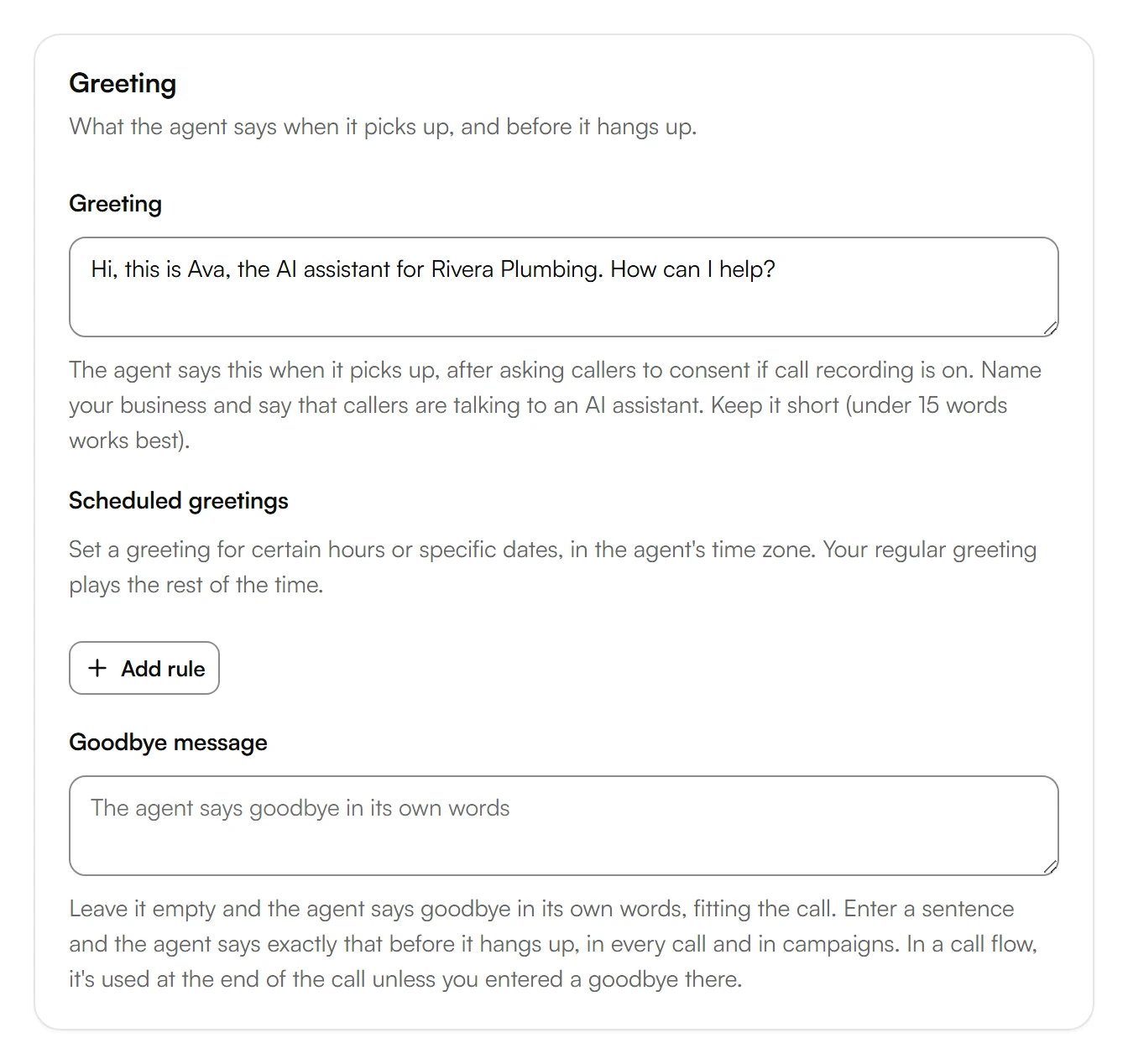
For a different greeting at certain hours or on certain dates, choose Add rule under Scheduled greetings. Your regular greeting plays the rest of the time.
Under Goodbye message, write what your agent says before it hangs up. Leave it empty, and your agent says goodbye in its own words.
Choose Save, then Publish.
Was this helpful?
Related articles
Still have questions?
Write to us at support@kesru.com.